
Confirm the purpose of the visit before the team arrives
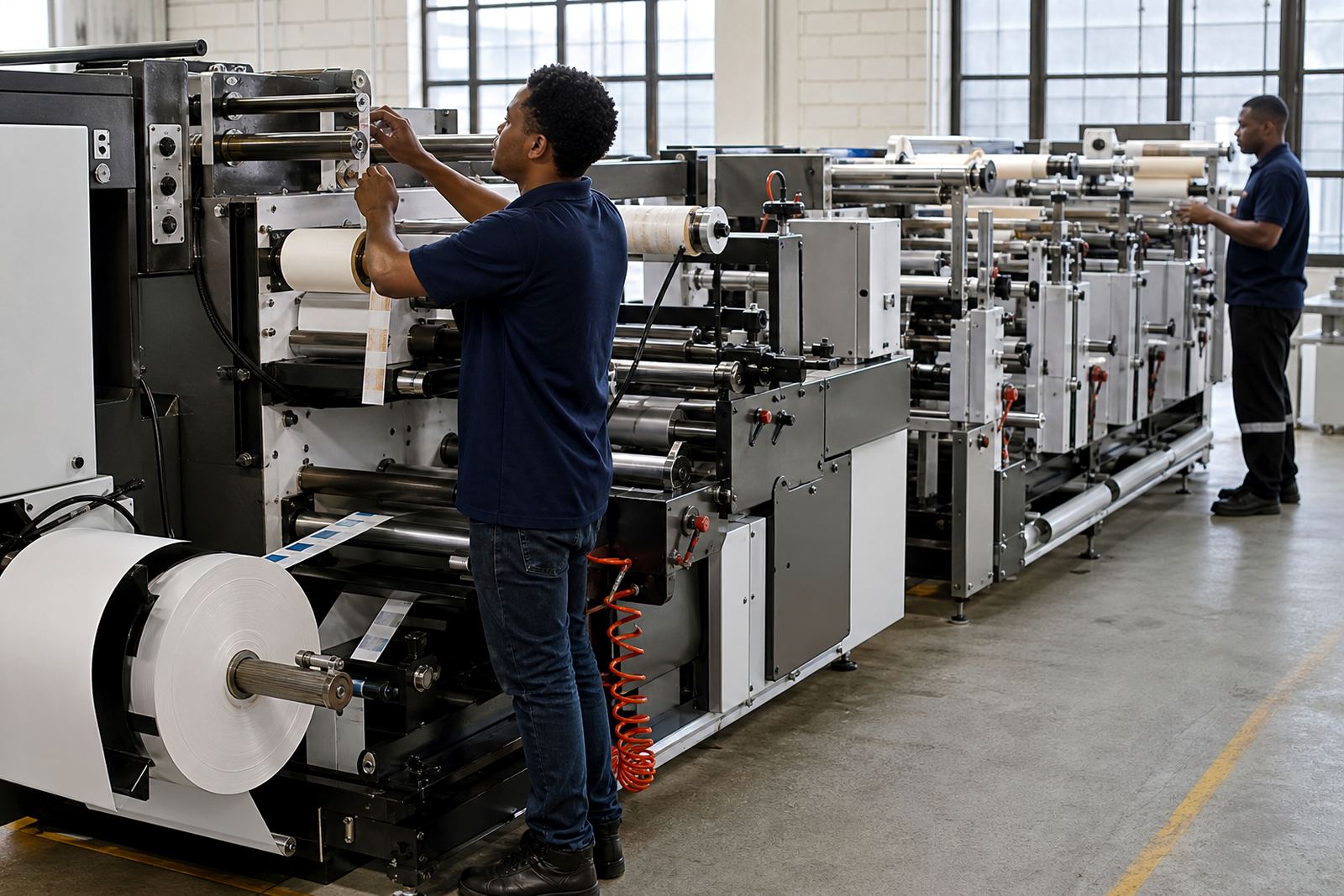
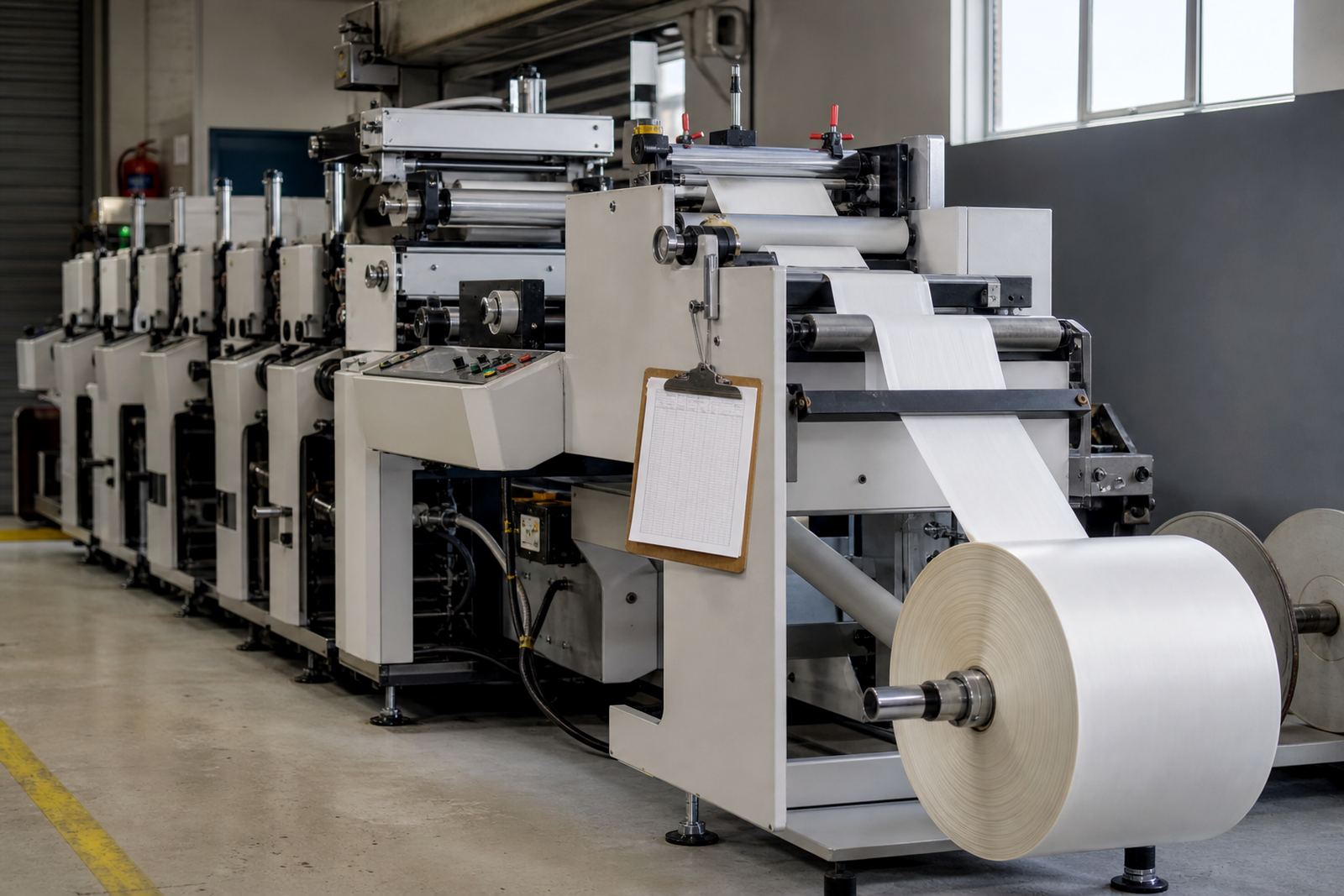
Before the visit, clear a safe working space around the press and related equipment. The technician needs room to move around the unwind, rewind, print stations, web path and finishing units. Keep walkways open and remove loose cartons, empty cores, scrap rolls, tools and cleaning materials that may get in the way.
Make sure the press area is clean and dry. In Kempton Park and other inland areas dust can build up quickly, while coastal humidity in Durban, Cape Town and Gqeberha can affect plates, anilox care and stored materials. If the press has been idle, check for dust on rollers, guides and guards before power-up. Good housekeeping also helps reduce the risk of damage during maintenance.
- Clear access to the press, control panel and service points.
- Keep approved cleaning cloths, solvents and PPE close by.
- Check that lighting is sufficient for inspection and setup.
- Make sure the floor is dry and free of trip hazards.
Check utilities and power before any setup or commissioning
Press work often depends on stable power, air and, where required, other utilities. Before the visit, confirm that the electrical supply is ready and that any isolators, plugs and breakers are accessible. If the site uses generators or backup power during load-shedding, let the team know how changeover is managed and whether production can restart safely after an outage.
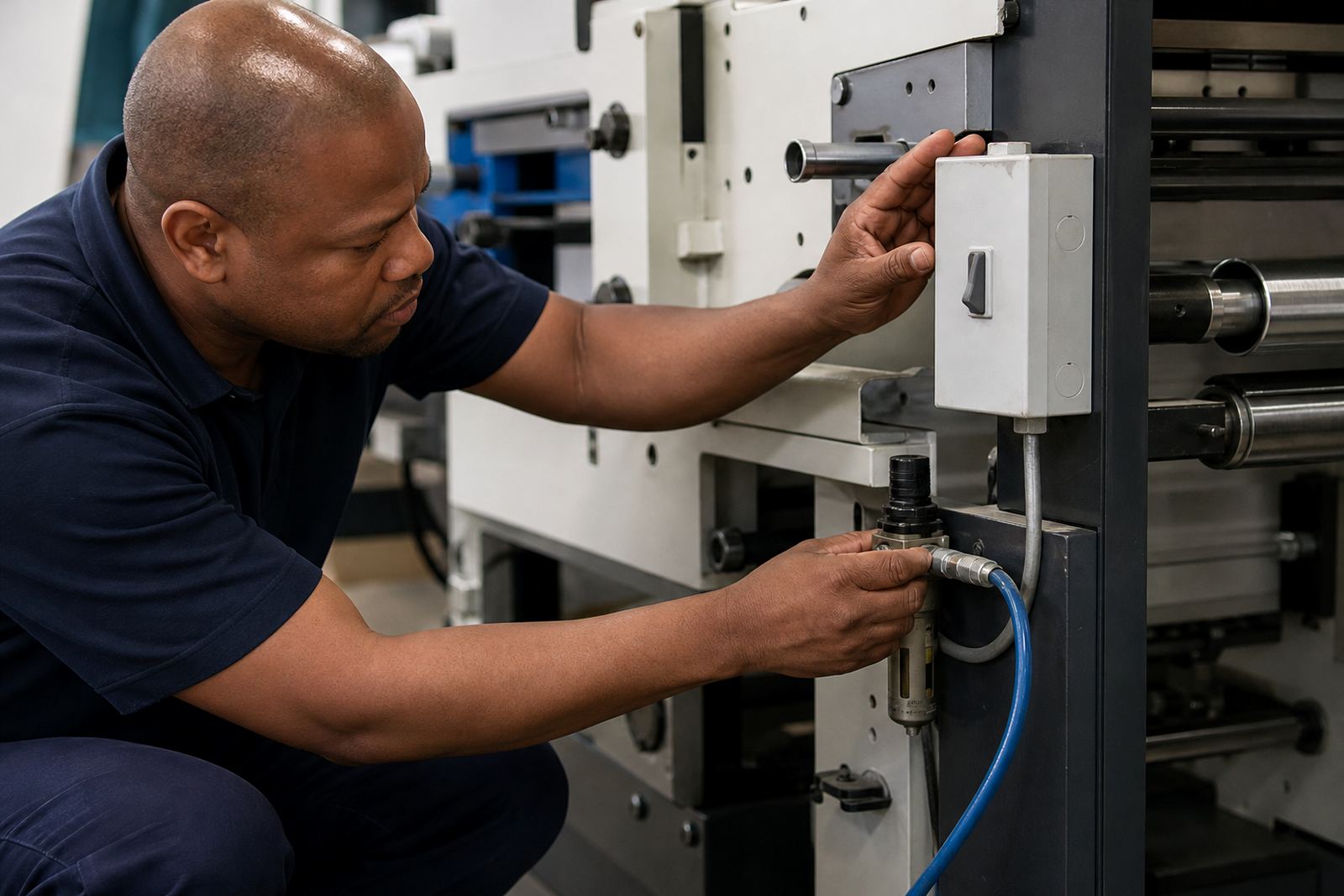
Compressed air should be available at the correct pressure for the equipment on site. If there are alarms, unusual noise or weak response on cylinders and controls, mention this early. It also helps to confirm whether the press, finishing line and any linked equipment are all on the same schedule. A simple utility check avoids delays and gives the service team a clear picture before work begins.
- Test the electrical supply and emergency stop functions.
- Confirm compressed air supply and hose condition.
- Check ventilation for inks, adhesives and cleaning products.
- Advise the team if load-shedding or power dips are likely during the visit.
Prepare the materials, samples and job details the technician needs
Have the right job information ready at the start of the visit. That includes substrate type, label size, repeat length, finishing requirements and any special folding, slitting or varnish instructions. If the problem only happens on one product, set that material aside so it can be checked without delay.
Keep sample rolls, plates, sleeves, inks and any suspect consumables nearby. If the issue involves setup, bring the job ticket, artwork notes and the last approved sample. This helps the technician compare what was expected with what the press is producing. It also helps when you need production consulting, plate mounting help or finishing setup on a tight schedule.
- Prepare the current job card and artwork notes.
- Keep good and faulty samples together for comparison.
- Label suspect consumables clearly.
- Have spare cores, tapes and basic consumables on hand.
Make sure the right people are available during the visit
A productive visit depends on the right people being present. The operator who runs the press daily should be there for setup, fault finding or training. If production decisions may be needed, have a supervisor or manager available as well. That way small changes can be approved quickly and the press can return to production without waiting around.
If the visit includes operator training, choose staff who will actually work on the machine. Training goes better when the team can ask questions on the spot and work through the full process, from setup to finishing and shutdown. For multi-shift sites, it is wise to include at least one person from each shift so the process stays consistent. A short handover note after the visit can also help keep standards steady.
- Have the main operator on site for the full visit.
- Include a supervisor for approvals and production decisions.
- Bring shift staff if the machine runs on more than one shift.
- Assign one person to take notes during the visit.
What to do during setup, maintenance or breakdown support
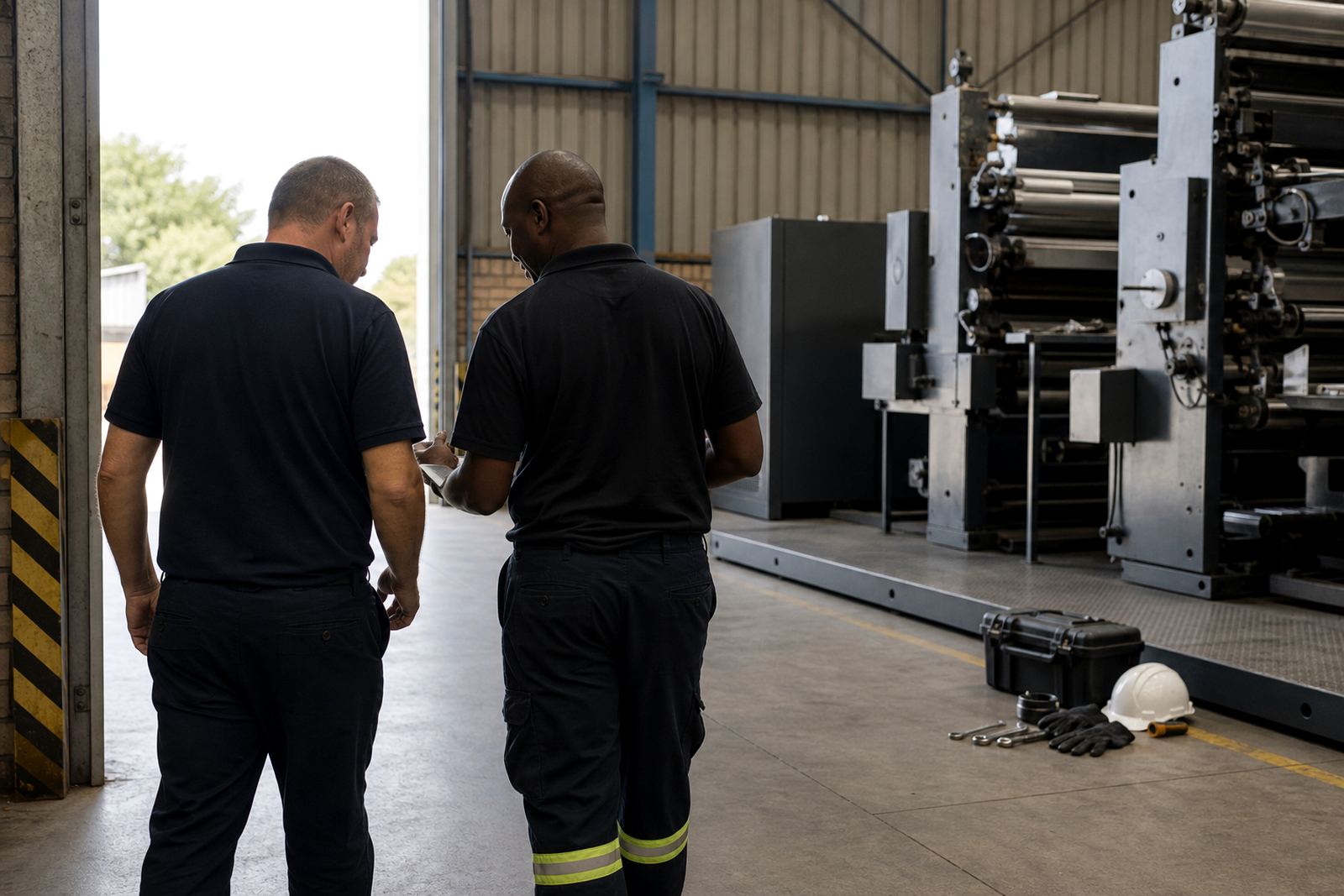
When the visit starts, walk through the issue with the technician and show the press in its current condition. Explain what happened before the fault, what was changed and what the machine did next. If the support visit is for preventive maintenance, follow the agreed shutdown sequence and keep the area available until the checks are complete.
During the visit, avoid changing settings unless the technician asks for it. Small unrecorded changes can make it harder to trace the cause of a problem. If parts must be removed or adjusted, keep them together and mark them clearly. That is especially useful for anilox care, plate mounting help and finishing setup where sequence matters. A calm, methodical approach usually gets the press back faster than rushing through the job.
- Describe the fault in simple, exact terms.
- Do not reset settings without checking first.
- Keep removed parts clean and organised.
- Record any changes made during the visit.
Finish the visit with a clear handover and next steps
Before the technician leaves, confirm what was done and what still needs attention. Ask for any follow-up actions, parts to order or production checks to complete after restart. If the visit uncovered a larger issue, record it properly so the team knows whether it needs another support call, spare parts support or a later maintenance visit.
A good handover also helps the next shift. Write down the setup used, any new machine settings, and the signs to watch for during startup production support. If the site is in Johannesburg, Pretoria, Durban, Cape Town, Gqeberha, East Rand or Centurion, the same process keeps support consistent across locations. Clear notes now save time later and help your team work with confidence.
- Confirm the work completed before signing off.
- Note any parts, settings or checks still to follow up.
- Share the handover with the next shift or supervisor.
- File the visit notes with the job record.